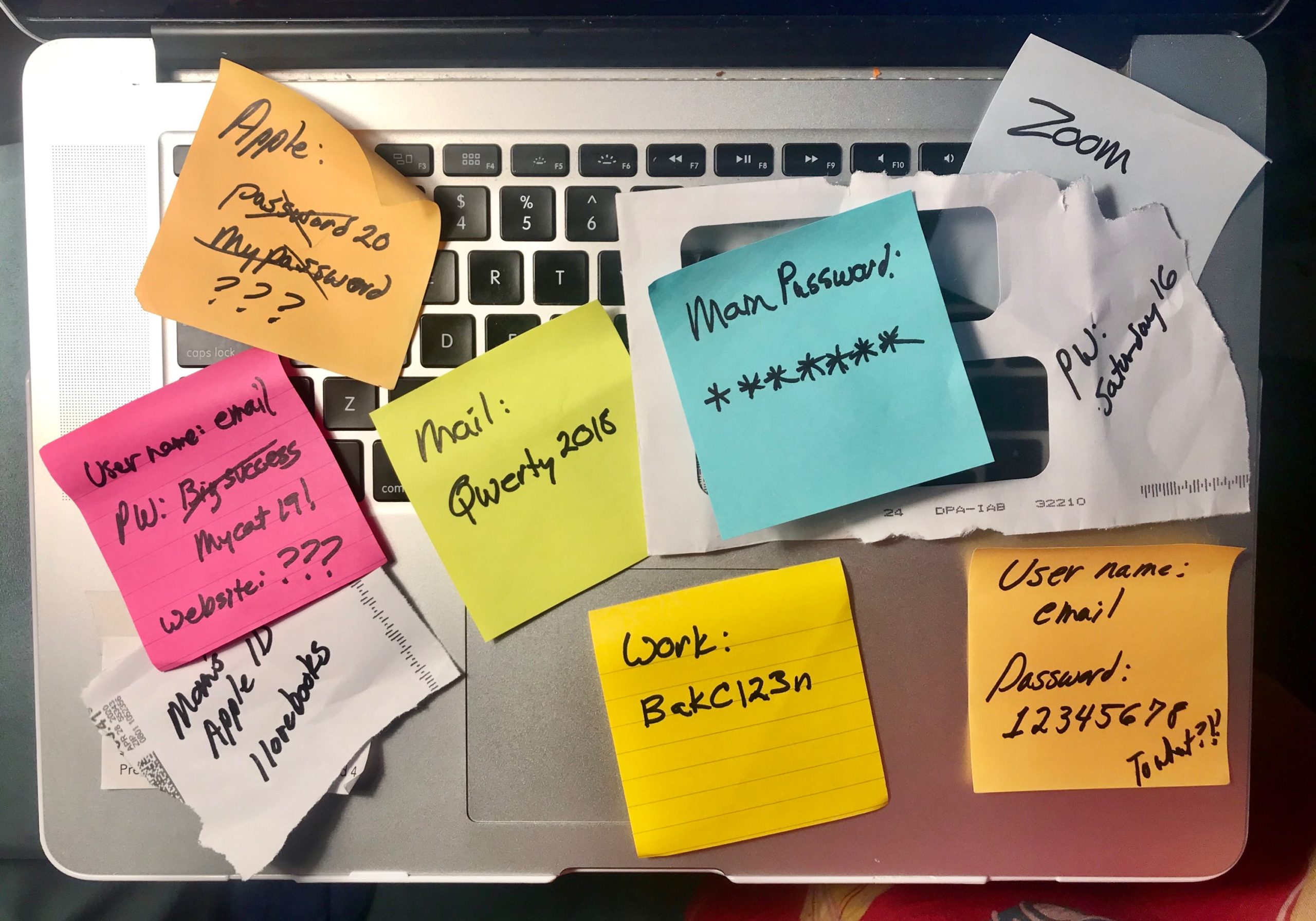
I used the same password on 47 different websites.
I knew it was dangerous.å
I did it anyway.
And if you're honest with yourself, you probably do it too.
This isn't about being lazy or careless. It's about how your brain works. And once you understand why we do this, you'll understand why it's so dangerous—and what actually works to fix it.
Why We Reuse Passwords
1. Your Brain Can't Handle It
Here's the problem: Your brain can remember about 5-7 things easily. Maybe 10 if you really try.
You have 67 online accounts.
The math doesn't work.
So your brain does what it always does when overwhelmed: it takes shortcuts.
One password. Easy to remember. Problem solved.
Except it's not.
2. Optimism Bias
We think: "It won't happen to ME."
There are 8 billion people on Earth. Why would hackers target my random forum account from 2011?
Except they do. They target everyone.
Hackers don't manually pick victims. They run automated scripts that try stolen passwords on millions of accounts simultaneously.
Your obscure poetry forum from 2009? Fair game.
3. Present Bias
Creating a strong, unique password takes 30 seconds.
Dealing with a data breach takes 30 hours.
But the 30 seconds is NOW. The 30 hours is LATER.
Our brains always pick NOW over LATER.
We'll deal with security "later." Later never comes.
4. Password Fatigue
You've created 5 accounts today.
Each one demands a password.
By account #3, you're like "screw it, same password."
It's not laziness. It's exhaustion.
Every "create account" prompt is a tiny cognitive burden. After the 50th one, your brain just gives up.
5. False Sense of Security
You added a "1" at the end.
Or changed "password" to "P@ssw0rd."
Your brain thinks: "This is different enough."
The hacker's computer thinks: "Lol, got it in 0.3 seconds."
These tiny variations do nothing. But they make us feel like we're being secure, so we stop there.
Why It's Actually Dangerous
How Credential Stuffing Works
A forum you joined in 2009 gets hacked.
The breach exposes:
- Email: you@gmail.com
- Password: Summer2009
Hackers don't care about the forum.
They take that email/password combo and try it on:
- Your bank
- Your email
- Your social media
- Your work account
- Every major service
It takes 0.001 seconds per attempt. Automated. Scaled.
If you used that password ANYWHERE else, they're in.
The Cascade Effect
They get into your email.
Now they can:
- Reset passwords on other accounts
- See what services you use (from receipts in Gmail)
- Access 2FA codes sent to that email
- Impersonate you
One password. Entire digital life.
Real Example
I used the same password on 47 sites.
One was an old tech forum.
It got breached in 2016.
I didn't know until 2024.
For 8 years, my password was out there. On the dark web. In credential stuffing databases.
Same password I used for:
- Email backup account
- Old bank account
- Venmo
- Dropbox
One breach. 47 vulnerabilities.
Why We Don't Fix It
You know it's bad. So why don't you change all your passwords right now?
The Change Problem
Changing 67 passwords sounds like hell.
It IS hell.
Your brain goes: "Is the pain of changing 67 passwords greater than the abstract possibility of getting hacked?"
And it picks: "I'll deal with it later."
The Memory Problem
Okay, fine. You create unique passwords.
Password1 for Netflix. xK9$mL2p for Amazon. qR7#vN4t for Facebook.
Cool. Which one was which?
You forget.
You reset passwords 3 times a week.
You give up.
Back to the same password.
The Friction Problem
Every time you log in, you need to remember/type a complex password.
It's annoying.
It slows you down.
So you pick an easy password you can remember.
Which means you pick the same password for everything.
What Actually Works
You can't willpower your way out of this.
Your brain isn't built for it.
You need a system that removes the decision entirely.
Password Managers: The Actual Solution
Here's what I use: 1Password.
It:
- Generates random passwords for every site
- Remembers them for you
- Auto-fills everywhere
- Syncs across devices
You remember ONE master password.
It remembers the other 67.
Your brain's off the hook.
Other options:
- Bitwarden (free, open source)
- LastPass (popular, but had breaches)
- Dashlane (expensive but good)
Pick one. Any of them is infinitely better than reusing passwords.
But Here's The Problem
Even with a password manager, you're still vulnerable.
Why?
Because you forgot about 40 accounts.
Accounts you CAN'T change the password on.
Because you don't remember they exist.
The Hidden Danger: Forgotten Accounts
This is why I built GhostSweep.
Password managers solve the memory problem.
But they don't solve the forgotten account problem.
I scanned my email and found 257 accounts I'd completely forgotten about.
- MySpace (somehow still exists)
- Forums from 2009
- Dead startups
- Random shopping sites
- Services I used once
Most used the same password.
A password manager can't help with accounts you don't know exist.
The Two-Step Solution
Step 1: Find Your Forgotten Accounts
Use GhostSweep (or manually search your email for "welcome to" and "confirm your account").
You probably have 50-100+ accounts you don't remember.
Delete the ones you don't use.
Step 2: Password Manager for Everything Else
Get a password manager.
Generate unique passwords for every account you keep.
Now you're managing 20 accounts with unique passwords instead of 67 accounts with the same password.
Your brain is happy.
Hackers are sad.
The Real Reason This Matters
I bought a hoodie from Wreio in 2023.
Made an account. Used my usual password.
Forgot about it.
Turns out Wreio was a scam.
They got hacked (or sold data, who knows).
My email, password, and credit card info were out there.
I didn't find out until I scanned my email with GhostSweep.
If I'd deleted that account when I first found it, they wouldn't have had the chance.
What You Should Do This Weekend
- Find your forgotten accounts (GhostSweep or manual email search)
- Delete what you don't use (most of them)
- Get a password manager (1Password, Bitwarden, whatever)
- Change remaining passwords (let the manager generate them)
Takes 2 hours.
Then you're done forever.
Your brain doesn't have to remember 67 passwords.
You're not reusing passwords.
Hackers can't credential stuff you.
The Bottom Line
We reuse passwords because our brains can't handle the alternative.
It's not laziness. It's biology.
The solution isn't willpower.
It's systems:
- Delete forgotten accounts
- Use a password manager
That's it.
Your brain is finally free.
Want to see how many forgotten accounts you have?
Scan your email with GhostSweep: ghostsweep.com
Takes 2 minutes. Most people find 50+ accounts they forgot existed.