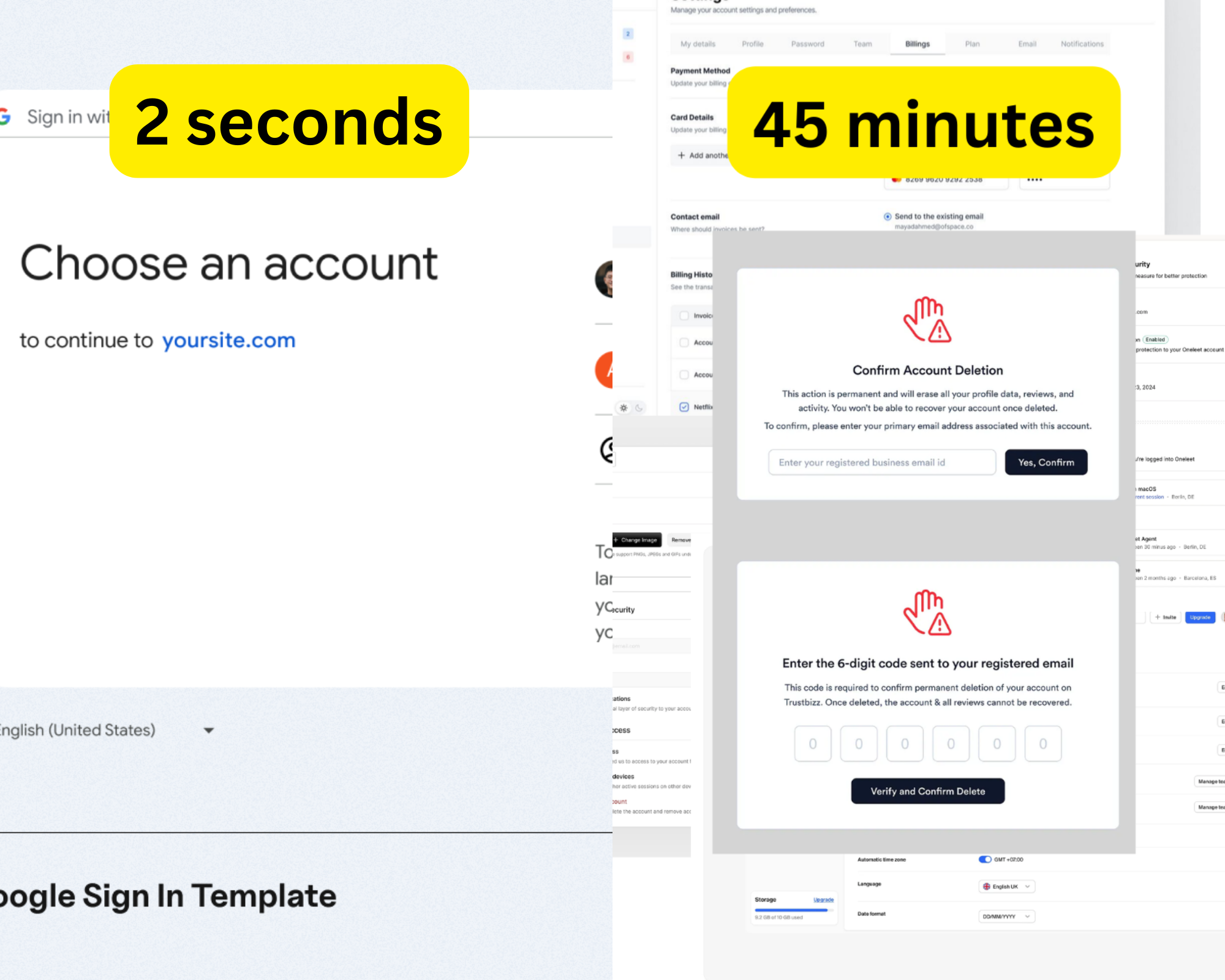
You didn't delete that account.
You just stopped logging in.
And the company is counting on exactly that.
The Asymmetry
Creating an account:
- One button: “Sign up with Google”
- Two seconds
- No questions asked
- Instant access
Deleting an account:
- Settings → Privacy → Account → Advanced → Danger Zone
- Phone verification required
- “Are you sure?” asked three times
- 30-day “consideration period”
- Sometimes impossible
This isn't accidental UX.
It's retention mechanics.
I Tested 100 Services
While building GhostSweep, I tried to delete accounts from 100 different services.
Here's what I found:
Easy Deletion (18%)
Services that made it simple:
- Stripe
- Vercel
- Linear
- Notion
- Spotify
Common features:
- Clear “Delete Account” in settings
- 1–2 clicks, no verification
- Instant or quick processing
- No dark patterns
Time to delete: ~30 seconds
Medium Difficulty (47%)
Services that added friction:
- Dropbox
- GitHub
- Adobe
- Zoom
Common features:
- Multiple confirmation dialogs
- Email verification required
- “We’ll miss you” guilt trips
- Offers to “pause” instead
- 7–14 day processing time
Time to delete: ~5–10 minutes
Deliberately Difficult (31%)
Services that made it painful:
- Amazon
- Facebook / Instagram
- Twitter / X
- Some dating apps
- Many e-commerce sites
Common features:
- Deletion option deeply buried
- Phone verification required
- Customer service contact needed
- 30–90 day “deactivation” period
- “Download your data first” (takes days)
Time to delete: ~30–45 minutes
Impossible (4%)
Services where deletion failed:
- Companies that shut down (no one to contact)
- Sites that never responded
- “Technical issues” excuses
- Apps that ignored GDPR requests
Time to delete: Never completed
The Dark Patterns
1. The Hidden Option
What it looks like:
- Settings → Privacy → Security → Advanced → Account Management → Danger Zone → Delete
- Buried under 5–6 clicks
- Intentionally hard to find
- No search to locate it
Why they do it:
- Most users give up
- Out of sight, out of mind
- Reduces deletion rate by 60–70%
2. The Guilt Trip
What it looks like:
- “Are you SURE you want to leave?”
- “Your friends will miss you”
- “You’ve been with us for 5 years”
- Sad emojis
- Screenshots of what you’ll lose
Why they do it:
- Emotional manipulation
- Creates doubt
- Slows decision-making
3. The Fake Alternative
What it looks like:
- “Pause your account instead”
- “Deactivate” (not delete)
- “Switch to free plan”
Why they do it:
- Keeps your data
- Enables reactivation later
- Counts as an “active user”
4. The Waiting Period
What it looks like:
- “Deletion in 30 days”
- “You can cancel anytime”
- Multiple “are you sure?” emails
Why they do it:
- Hope you forget
- Chance to win you back
- Keeps data longer
5. The Verification Maze
What it looks like:
- Enter password
- Verify phone number
- Security questions
- Email code
- SMS code
Why they do it:
- Creates friction
- Old passwords forgotten
- Old phone numbers lost
- Many users quit
6. The Customer Service Requirement
What it looks like:
- “Email support@company.com to delete”
- No self-service
- 5–7 day response time
- Multiple back-and-forth emails
Why they do it:
- Maximum friction
- Retention attempts
- Most users never finish
The Companies Doing It Right
Stripe
- Settings → Delete Account
- One confirmation
- Instant deletion
- Clean and respectful
Vercel
- Account Settings → Delete Account
- Clear warnings
- Immediate processing
- No guilt trips
Linear
- Settings → Account → Delete
- Optional data export
- Fast confirmation
- Professional handling
What they have in common:
- Treat users like adults
- Respect user choice
- Signup and deletion equally easy
- Trust built through respect
Why This Matters
This isn’t just annoying. It’s a privacy risk.
When deletion is hard:
- Users give up
- Data lingers for years
- Forgotten accounts get breached
- Users lose control
The accounts you can’t delete are the ones that will hurt you later.
What Should Happen
Deletion should be as easy as signup.
If signup is one click, deletion should be one click.
The law already says this:
GDPR (EU):
- Right to deletion
- Must be as easy as consent
- No unreasonable friction
CCPA (California):
- Right to deletion
- Clear disclosure
- Reasonable verification only
The problem: Enforcement is weak.
What You Can Do
For Users
- Audit your accounts
- Use GDPR / CCPA language
- “Per GDPR Article 17, please delete my data”
- Create accountability
- Reviews, posts, public complaints
For Founders
- Make deletion easy
- Respect user decisions
- Build trust, not traps
The Bottom Line
When signup takes 2 seconds and deletion takes 45 minutes, that’s not a UX mistake.
It’s a business decision.
Easy in.
Hard out.
By design.
Tired of hunting for delete buttons?
GhostSweep shows you which accounts you have — and how to delete them.