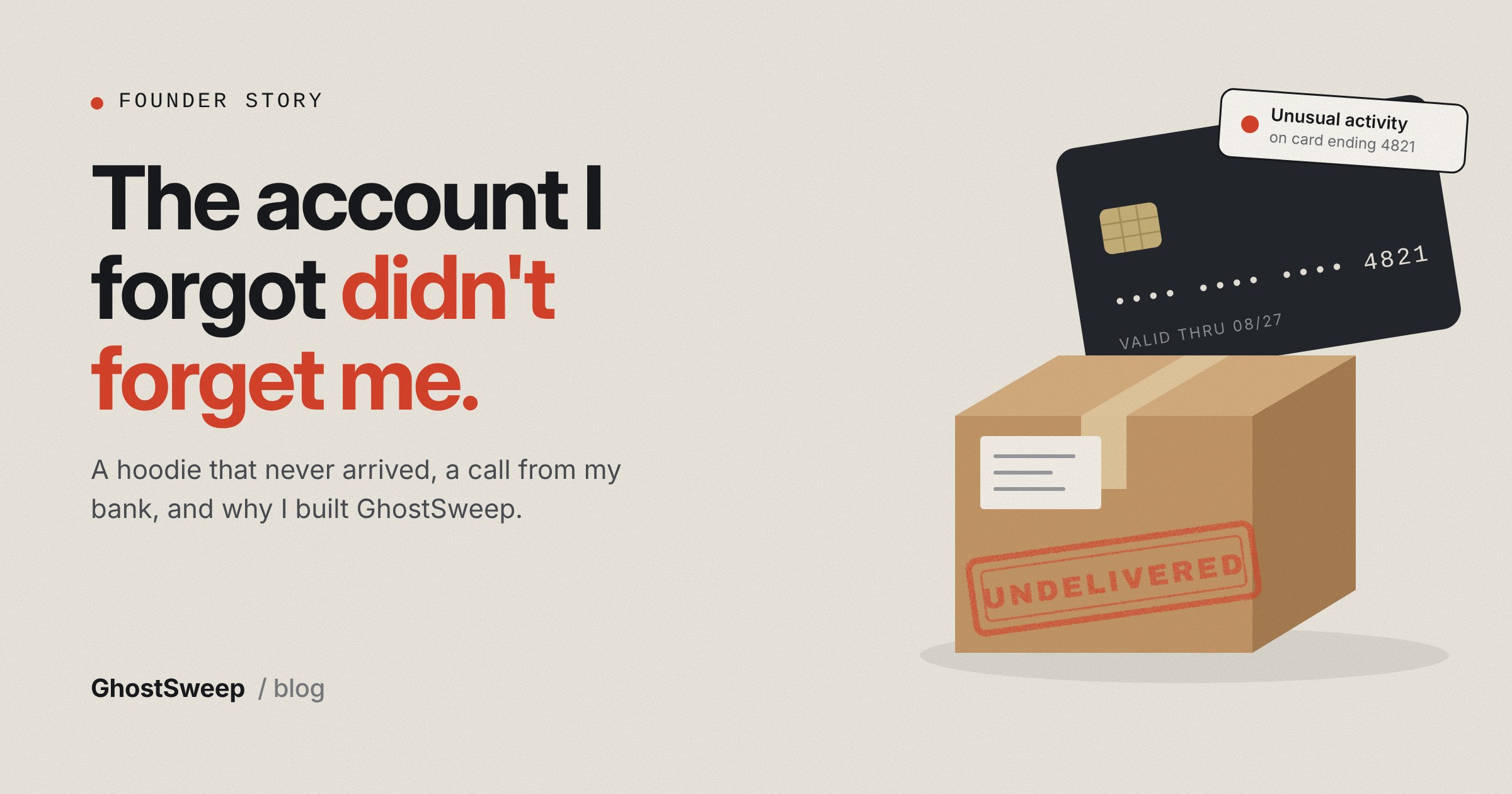
In 2023, I bought a hoodie from an Wreio.com, an online store I'd never used before. I made an account, paid with my card and waited.
The hoodie never arrived.
I was annoyed, but it was one order. I moved on and forgot about it. I also forgot about the account I'd made there, with my name, my email, my address and my card details.
The message from my bank
A few months later, my bank flagged suspicious activity on my credit card. Someone was trying to use my card details.
When I traced it back, the trail led to that store. I'd never deleted the account. I'd never even thought about it again. But my details were still sitting there, and someone had found a use for them.
The bank stopped it in time. But the scare stuck with me, because of one question I couldn't answer:
How many other accounts like that did I have?
So I went digging
I started searching my inbox for every online store I'd ever signed up for. Order confirmations, welcome emails, "verify your account" messages.
I stopped counting shopping accounts at 15.
Then I kept going and found everything else:
- Apps I'd tried once and never opened again.
- Newsletters from sites I didn't remember visiting.
- Services I'd signed up for for one task, years ago.
- Accounts I couldn't log in to anymore, because the password or the email behind them was long gone.
Every one of them still had some of my details. Some had my card. Some had my address. I had no idea which of them had been in a data breach, which were run by real companies, and which were like that hoodie store.
The problem: there was no simple way to see it all
I looked for a tool that would just show me every account I'd ever made, in one place, and tell me which ones were risky.
What I found were pieces. Breach checkers that only cover known leaks. Data-removal services that deal with data brokers, not your own forgotten accounts. Manual guides that take a whole weekend of searching.
Nothing did the whole job. So I built it.
How GhostSweep started
GhostSweep began as a tool to clean up my own digital footprint. It does what I was doing by hand, just much faster:
- It scans your inbox (Gmail or Outlook, read-only) to find every service you've signed up for, going back years.
- It searches the web for profiles tied to your email or username, including ones you didn't create.
- It checks your accounts against known data breaches, so you know which ones are actually risky.
- It gives you direct deletion links and steps, so closing an account takes minutes instead of an evening.
Along the way, it also turned up things I didn't expect: gift cards I'd never used and subscriptions I was still paying for. That became part of the product too. (More on that in how to find unused gift cards and forgotten subscriptions in your inbox.)
Why privacy is built into how it works
I built GhostSweep because a company mishandled my data. So I wasn't going to build something that does the same.
Your email is processed in memory to find your accounts. It's never stored, sold or shared. GhostSweep is CASA Tier 2 verified, an independent security assessment Google requires for apps that access Gmail. And nothing gets deleted or changed without your approval.
What I'd tell you to do today
You don't need to have been scammed to have a hoodie-store account sitting somewhere with your details. Most people have dozens. Here's where to start:
- Search your inbox for "welcome" and "verify your email". You'll be surprised what comes up.
- Delete the accounts you don't use. Our guide on how to delete old online accounts walks you through it.
- Change the password on any account you keep, and turn on two-factor authentication where you can.
- Watch your card statements. If you see a charge you don't recognise, call your bank straight away.
Or skip the manual search and run a free scan. It takes a few minutes, and you'll see exactly how big your digital footprint is.
That hoodie never arrived. But it taught me something worth more: the accounts you forget about don't forget about you.