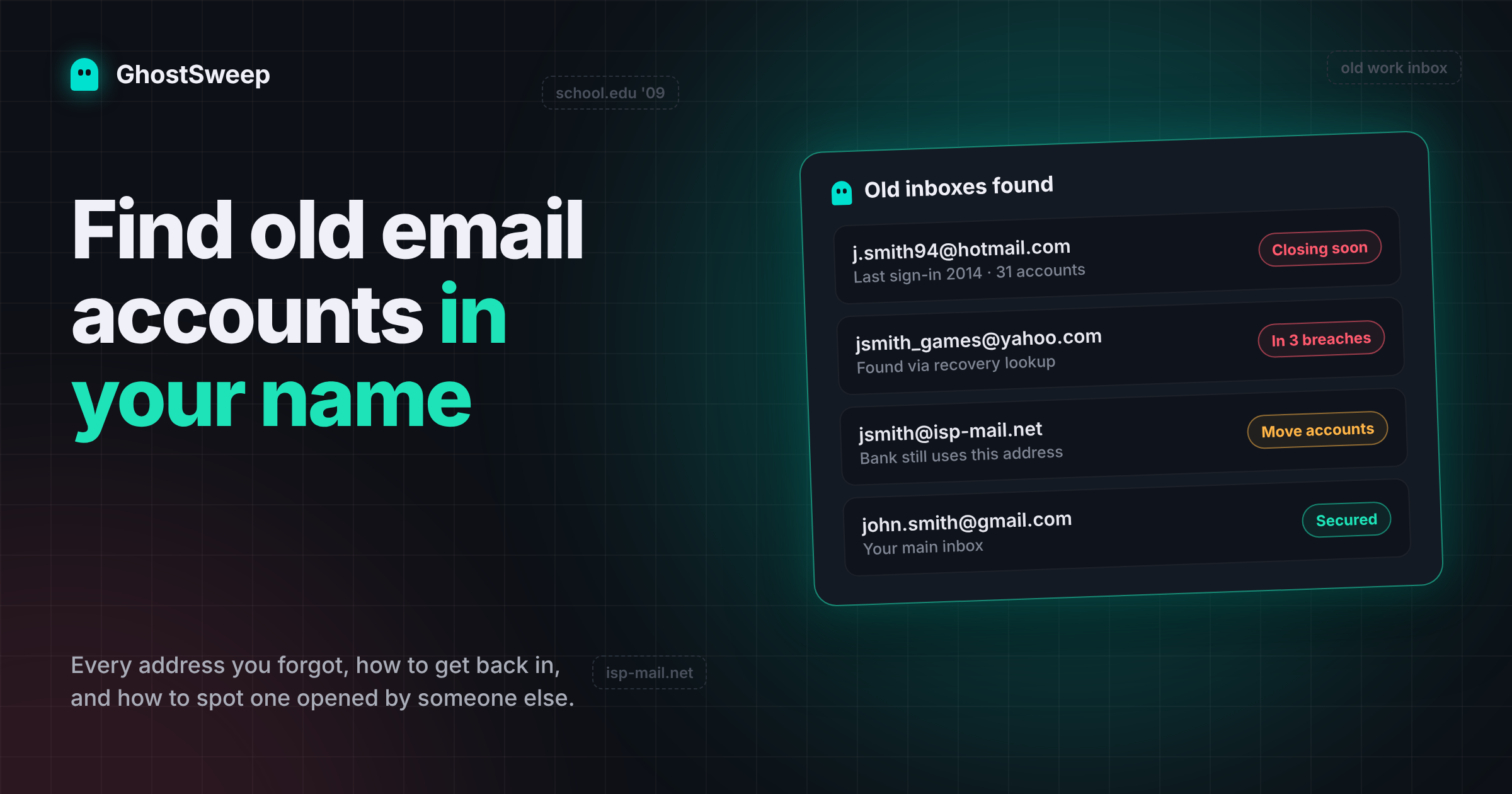
Most people have had more email addresses than they can name. A Hotmail from school. A Yahoo you used for sign-ups. An address that came free with your internet plan. A work inbox from two jobs ago.
You stopped checking them, but they didn't stop mattering. Every account you registered with an old address can still be reset through it. Whoever controls that inbox controls those accounts.
In our analysis of 415 GhostSweep scans, the typical person had 137 companies holding their data, and that was from just one inbox per scan. The accounts tied to addresses you've forgotten are the ones nobody is watching.
This guide shows you how to find every email address you've had, get back into them, and decide what to keep. At the end, we cover how to spot an email account someone else opened in your name.
Why old email accounts are a risk
An abandoned inbox looks harmless. It isn't, for three reasons:
- It's a master key. "Forgot password" links go to your email. If someone gets into an old inbox, they can take over every account registered to it.
- It probably has an old password. Addresses you stopped using years ago often still have a password you reused elsewhere, and that password may already be in a breach.
- Providers close inactive accounts. Google can delete personal accounts that haven't been used in two years. Microsoft can close accounts after two years of inactivity. Yahoo's limit is shorter, at around 12 months. Once an address is closed, you lose the ability to recover accounts tied to it, and some providers have released old usernames for new sign-ups in the past. A stranger with your old address would get your password reset emails.
Step 1: List every address you might have used
Start with a brainstorm. Most forgotten addresses fall into a few groups:
| Where it came from | Common examples |
|---|---|
| Free webmail | Hotmail, MSN, Live and Outlook.com; Yahoo; AOL; old Gmail accounts; iCloud, me.com and mac.com |
| Your internet provider | Comcast/Xfinity, AT&T and SBCGlobal, Verizon (moved to AOL), BT, Sky, Virgin Media |
| School or university | Student addresses, alumni forwarding addresses |
| Old jobs | Work addresses you used for personal sign-ups |
| Throwaway addresses | Accounts made just for sign-ups, giveaways or games |
Write down the usernames you might have picked: nicknames, your name with a birth year, old gamer tags, the handle you used at 14. You'll test these in Step 4.
Step 2: Search your current inbox for clues
Your current inbox often remembers old addresses you don't. In Gmail, try these searches (swap in your own name):
"Your Name" (hotmail.com OR yahoo.com OR aol.com OR live.com OR msn.com)
subject:(fwd OR fw) older_than:3y
from:me older_than:5y
The first finds messages that mention you alongside the big webmail domains, such as emails you forwarded to yourself or old addresses friends wrote to. The second finds old forwards. The third shows what you were sending years ago, which often reveals the address you used back then.
Then check the settings that link addresses together:
- Gmail: go to Settings → See all settings → Accounts and Import. Look at Send mail as and Check mail from other accounts. Any address listed there is one you once connected.
- Outlook.com: check Settings → Mail → Sync email for connected accounts.
Our guide on how to find websites that have your Gmail address has more searches you can reuse here.
Step 3: Check the accounts you still use
The accounts you use every day often point back to old addresses:
- Google Account → Security: look at your recovery email. Many people set an old address years ago and never changed it.
- Microsoft account → Your info → Account info: Microsoft lists every alias on the account. Old @hotmail.com and @live.com addresses often show up here.
- Apple Account → Sign-In & Security: check the email addresses listed.
- Your password manager or browser: sort saved logins by username. Every distinct email address in that list is one you've used. In Chrome, these are at passwords.google.com.
- Your bank and phone carrier: check which email they have on file. It's often older than you'd expect.
Step 4: Ask the email providers directly
Each big provider has a lookup that tells you whether an account exists for your phone number or recovery email. Try every old phone number and every address on your list.
| Provider | Where to look | What you need |
|---|---|---|
| Google (Gmail) | Forgot email? on the Google sign-in page | A recovery phone number or email, plus the first and last name on the account |
| Microsoft (Hotmail, Outlook, Live, MSN) | Forgot username on the Microsoft sign-in page | The security phone number or email on the account |
| Yahoo and AOL | Sign-in Helper on the Yahoo or AOL login page | A phone number or recovery email |
| Apple (iCloud) | iforgot.apple.com | Your name and an email you might have used |
If a lookup finds an account, follow the recovery steps to get back in. If you can't get in and the account holds anything important, contact the provider's support. Recovery gets much harder once an account has been closed for inactivity, so don't wait.
Step 5: Check each address for breaches
Run every address you found through Have I Been Pwned or our free breach checker. Each breach result names a site that had your data, which is often an account you'd forgotten about.
If an address turns up in a breach, change the password on that inbox first, then on any account that shared the same password. Our guide on what to do if your email was in a data breach walks through the full order.
Step 6: Decide what to do with each address
Once you're back in, sort each address:
| Situation | What to do |
|---|---|
| Still tied to your bank, government services or anything important | Secure it now: new unique password, two-factor authentication, current recovery phone. Then move those accounts to your main email. |
| Only holds old sign-ups | Delete the accounts you don't need, move the rest to your main email, then close the address. |
| You can't get back in | Contact the provider. Meanwhile, update the email on any account you can reach that still uses this address. |
| You want to keep it as a backup | Sign in at least once a year so it isn't closed for inactivity. |
Don't just abandon an address. Empty it first. If you close it while accounts are still registered to it, you lose the ability to recover them.
The fastest way to see what's registered to an address is to scan its inbox. GhostSweep connects to Gmail and Outlook with read-only access and lists every company that has your data, flags the ones in known breaches and gives you deletion links. The Pro plan lets you connect unlimited inboxes, so you can sweep every old address in one place before you close it. For Yahoo and AOL, use the inbox searches in Step 2 and our manual method for finding every online account.
How to spot an email account opened in your name
Sometimes the old account isn't yours at all. Fraudsters open email addresses in other people's names because a matching address makes fake applications look real. Watch for:
- Verification emails you didn't ask for, such as a request to confirm you're the recovery address for an account you don't recognise.
- Password reset emails for services you don't use. Someone may have signed up with your address by mistake, or on purpose.
- Friends or contacts getting messages from an address that looks like yours but isn't.
- Accounts or credit checks you don't recognise. In the US you can get free credit reports every week at AnnualCreditReport.com. In the UK, Experian, Equifax and TransUnion all offer free statutory reports.
If you find one:
- Don't reply to the account or click its links.
- Report it to the provider through their impersonation or abuse form.
- Secure your real accounts, starting with your main email.
- Report identity theft if it's part of a bigger pattern: IdentityTheft.gov in the US, Action Fraud in the UK.
Forgotten accounts and identity theft are closely linked. Here's how one leads to the other.
FAQ
Can I find every email account registered to my name? Not with a single search. Email providers don't let you look up accounts by name, for privacy reasons. Combine the clues in your current inbox, the recovery settings on accounts you still use, and each provider's username lookup.
How do I find old email accounts using my phone number? Use the recovery lookups in Step 4. Google, Microsoft and Yahoo all let you find an account from the phone number linked to it. Try every number you've had.
What happens to an email account I stop using? Eventually the provider closes it. Google and Microsoft can close accounts after two years of inactivity, and Yahoo after around 12 months. Any account still registered to that address becomes very hard to recover.
Should I delete my old email accounts? Only after you've moved or deleted every account registered to them. Scan the inbox first, deal with what's there, then close it.
I found an old Hotmail address but can't remember the password. Is it gone? Not necessarily. Use Microsoft's account recovery form and give as many details as you can: old passwords, subjects of recent emails, contacts you emailed. If the account has already been closed for inactivity, recovery is usually not possible.