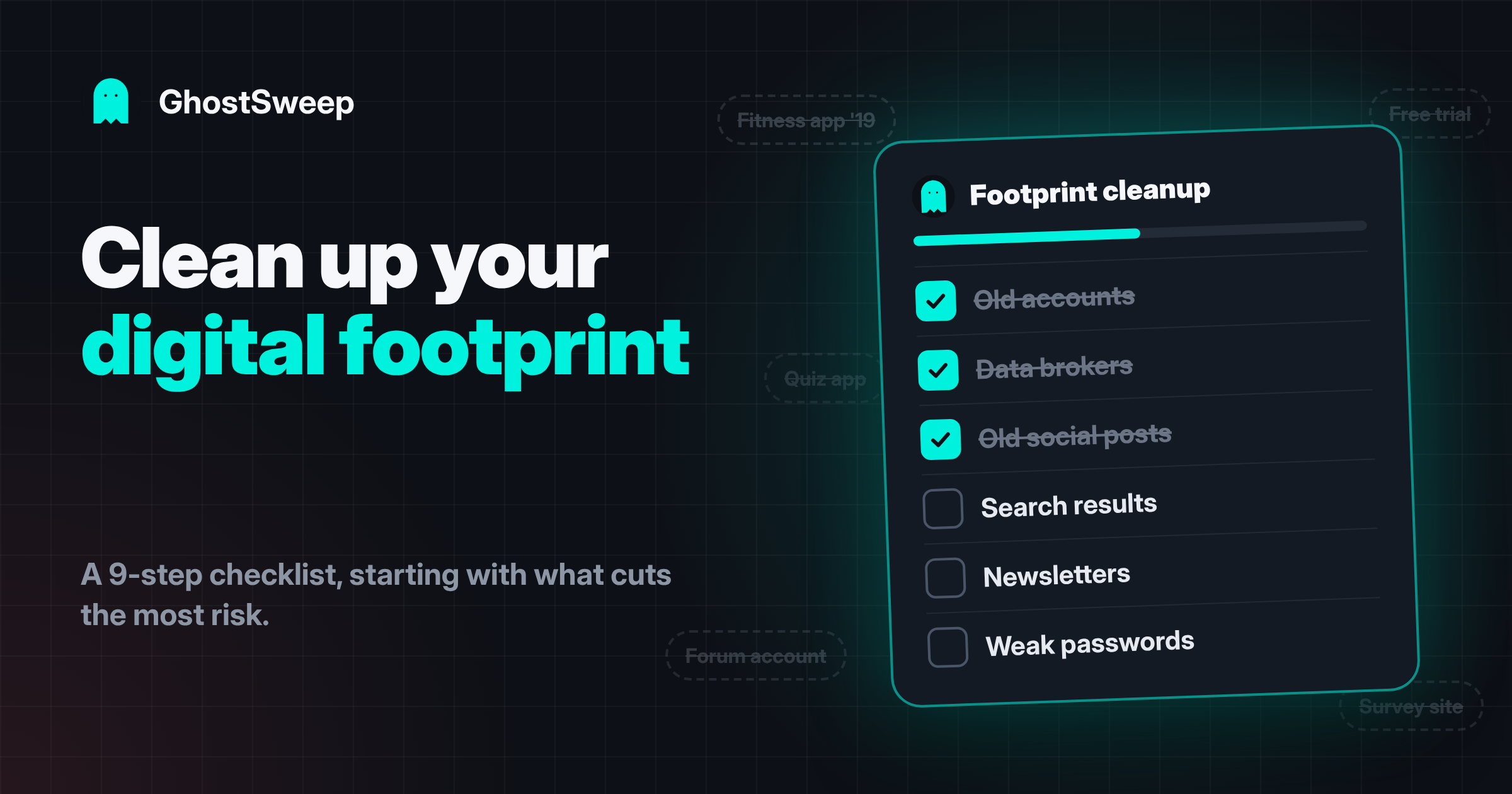
Your digital footprint is everything about you that exists online: accounts you created, posts you wrote, things you bought, and data other companies collected and sold without asking.
Most of it you've forgotten. In our analysis of 415 GhostSweep scans, the typical person had 137 companies holding their data. The median oldest account was almost six years old.
You can't erase yourself from the internet completely. But you can shrink your footprint a lot in a weekend. This checklist goes in order of impact: the first steps remove the most risk for the least effort.
What makes up your digital footprint
It helps to know what you're cleaning. Your footprint has two halves:
- The part you created: accounts, social media posts, comments, reviews, photos, newsletter sign-ups, apps you installed.
- The part others collected: data brokers building profiles from public records and app data, websites tracking your browsing, and search results about you.
You control the first half directly. The second half takes opt-outs and removal requests. Both are covered below. For a deeper look at how the two fit together, see our beginner's guide to mapping your digital shadow.
Step 1: Take stock of what's out there
Spend ten minutes seeing where you stand before deleting anything.
- Google yourself. Search your full name, your name plus your city, your email address and your phone number. Note anything you'd rather not be public.
- Check if your email was in a breach. Enter it on Have I Been Pwned. Each breach names a site that had your data.
- Do the 2-minute privacy audit for a quick score of where you stand.
Step 2: Find every account you've ever created
This is the biggest part of most people's footprint, and the hardest to see. Every forgotten account is a copy of your data waiting to be breached.
You have three ways to build the list:
- Search your inbox for welcome, verification and password-reset emails. Our guide on how to find websites that have your Gmail address has copy-paste searches.
- Check "Sign in with Google" and "Sign in with Apple" connections, plus your browser's saved passwords.
- Run a GhostSweep scan. It reads your inbox (read-only), lists every company that has your data, and flags any tied to known breaches. It takes about two minutes.
For the full manual method, see how to find every online account you've ever created.
Step 3: Delete the accounts you don't use
Go through your list and sort each account:
| Account type | What to do |
|---|---|
| Shopping, finance, anything with a saved card or address | Delete first. These hold your most sensitive data. |
| Old social media, forums, apps you tried once | Delete. |
| Services you still use | Keep, but secure them (Step 8). |
| Accounts you can't delete | Remove personal details, change the email if possible, then request deletion by email. |
Expect some sites to make this hard. Many hide the delete button deep in settings. Our guide on how to delete old online accounts covers the tricks, plus an email template for sites with no delete option.
Know your rights. In many places the law lets you demand deletion. Californians can use the CCPA (our guide), and people in the UK and EU have the GDPR's right to erasure.
Need a hand with the big ones? We have step-by-step guides for Facebook, Instagram and Amazon.
Step 4: Clean up the social accounts you keep
You don't have to quit social media to shrink your footprint. For each account you're keeping:
- Make old posts private or delete them. Facebook's Activity log lets you archive or delete old posts in bulk. On other platforms you may need to go post by post.
- Remove personal details from your profile: birthday, phone number, home town, workplace, school.
- Untag yourself from photos you don't want public.
- Tighten privacy settings so only friends can see your posts and friend list, and search engines can't index your profile.
- Review connected apps. Quizzes and games you logged into years ago may still have access.
Step 5: Opt out of data brokers
Data brokers collect your name, address, phone number, relatives and more, then sell it. People-search sites show it to anyone who pays. This data also affects things like credit and insurance.
Most brokers let you opt out, but each has its own form, and there are dozens. Our data broker opt-out guide lists the biggest ones and how to remove yourself from each.
One catch: brokers often add you back over time. Check again every few months, or use a paid removal service that repeats the requests for you.
Step 6: Remove your info from Google search results
Deleting a page's source is best, but you can also ask Google to remove some results about you.
- Results about you: Google's free tool lets you request removal of search results that show your phone number, home address or email address, and alerts you when new ones appear. Find it in the Google app or your Google Account.
- Outdated results: If a page has already been changed or deleted but Google still shows the old version, you can request a refresh through Google's outdated content tool.
Google removing a result doesn't delete the page itself. It just makes it much harder to find.
Step 7: Unsubscribe and clean your inbox
Every newsletter you're signed up to is another company holding your email address. Unsubscribing shrinks the list and cuts spam.
- Use the Unsubscribe link at the top of marketing emails in Gmail or Outlook.
- In Gmail, try More → Manage subscriptions (still rolling out) to see your biggest senders in one place.
- Our guide on how to stop junk email permanently covers the rest.
While you're in there, look for forgotten subscriptions you're still paying for and unused gift cards. Cleaning up can pay for itself.
Step 8: Lock down what's left
The accounts you keep are now your footprint. Make them hard to break into:
- Use a unique password for every account. A password manager makes this easy. If you reuse passwords, one breach can unlock everything. Here's why we all do it anyway.
- Turn on two-factor authentication, starting with your email, bank and main social accounts. Your email matters most: it can reset every other password.
- Review app permissions on your phone. Turn off location, contacts and microphone access for apps that don't need them.
- Turn on auto-delete for activity history. In your Google Account, go to My Activity and set web, app and location history to auto-delete after 3 or 18 months.
Step 9: Keep it clean
A digital footprint grows back. A few habits keep it small:
- Think before signing up. Use guest checkout when you can.
- Use email aliases. In Gmail,
yourname+shop@gmail.comstill reaches you, and shows you who leaked your address if spam arrives. Apple's Hide My Email and similar tools go further. - Delete as you go. Finished with an app or trial? Delete the account, not just the app.
- Re-check twice a year. Re-run your scan, check data brokers again and Google yourself.
FAQ
Can I completely erase my digital footprint? No. Some data is held by companies you can't reach, in public records or in old backups. But deleting accounts, opting out of brokers and locking down what's left removes most of the risk.
How long does it take? A focused first pass takes a weekend. Finding accounts is the slowest part by hand. A GhostSweep scan cuts that to minutes.
Does deleting an app delete my account? No. Removing an app from your phone leaves your account and data on the company's servers. You have to delete the account itself.
What should I delete first? Shopping and financial accounts, anything with a saved card or home address, and any account tied to a known data breach.