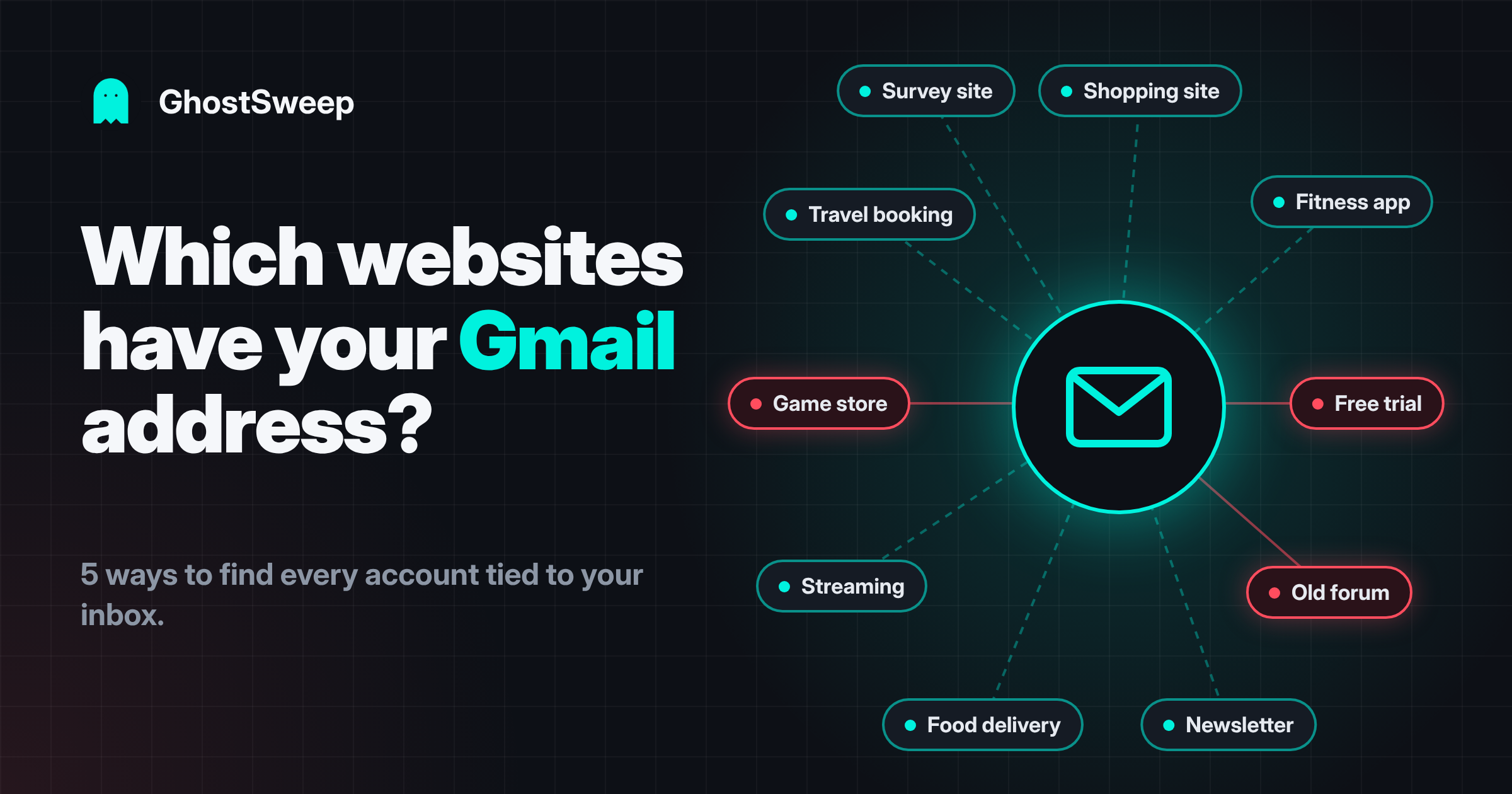
If you've used the same Gmail address for a few years, it has been typed into more sign-up forms than you can remember. Shopping sites, apps you tried once, free trials, forums, contests, Wi-Fi logins.
Each of those websites still has your email address. Many also have your name, your home address, an old password or a saved card.
The good news: Gmail and your Google Account keep a trail of almost all of them. This guide shows you how to follow it.
Already searched for accounts linked to any email? This guide goes deeper on the Gmail and Google-specific tools. For the general version, see How to Find All Accounts Linked to Your Email Address.
Why it matters who has your Gmail address
In our analysis of 415 GhostSweep scans, the typical person had 137 companies holding their data. Google itself showed up in 75% of scans, but most of the other 136 were sites people had long forgotten.
Forgotten doesn't mean gone. Those accounts can still hurt you:
- Data breaches. When a site you forgot about gets hacked, your Gmail address leaks with it. In our scans, 12.3% of people had at least one account tied to a known breach.
- Password reuse. If you used the same password on an old site and on Gmail, one leak can open your inbox. Here's why password reuse is so common.
- Spam and phishing. Leaked addresses end up on scam lists. Phishing emails get far more convincing when they name a real service you used.
- Money. Forgotten subscriptions, unused gift cards and rewards often sit in the same inbox.
You can't protect accounts you don't know exist. Here's how to find them.
Method 1: Search Gmail for sign-up emails
Almost every website sends an email when you create an account. Gmail keeps them, so the right search brings them back. Paste these into the Gmail search bar one at a time.
Welcome and verification emails:
subject:(welcome OR "verify your email" OR "confirm your email" OR "confirm your account" OR "activate your account")
Password resets and login alerts (great for finding accounts you forgot you still use):
subject:("reset your password" OR "password reset" OR "new sign-in" OR "new login")
Receipts, trials and subscriptions:
subject:(receipt OR "your order" OR "free trial" OR subscription OR renewal)
The oldest, most forgotten accounts. Add older_than:3y to any search above, or use a date like before:2020/01/01.
A few tips that save time:
- Check the Promotions and Updates tabs. Search
category:promotionsorcategory:updatesto see which brands still email you. - Write the names down as you go. A simple list works: site name, roughly when you joined, and whether you still use it.
- Use Google's full list of search operators to narrow results further.
The catch: It's slow. You'll scroll through hundreds of results and see the same company again and again. And if you deleted a site's emails years ago, it won't show up here at all.
Method 2: Check your "Sign in with Google" list
This is the one most people never look at. Every time you clicked Sign in with Google instead of making a password, Google kept a record.
- Go to myaccount.google.com/linkedapps.
- Filter by Sign in with Google to see every app and website you've logged into with your Google Account.
- Check the Access to your Google Account filter too. These apps can read parts of your account, such as your Gmail, Drive or Calendar.
- For anything you don't recognise or no longer use, open it and choose Stop using Sign in with Google or Remove access.
Important: Removing the link only stops the connection. As Google's help page points out, it does not delete your data on that app. To do that, you need to delete the account on the website itself (see Method 5 below).
Method 3: Look at your saved passwords
If you let Chrome or Android save your passwords, you already have a list of sites that know your email address.
- Go to passwords.google.com.
- Scroll through the list. Each entry is a website where you created a login.
- Run Password Checkup. It flags passwords that are exposed in a breach, weak, or used in multiple accounts.
Fix anything marked exposed first, then anything reused. If you use another password manager (1Password, Bitwarden, Apple Passwords), check its list too.
Method 4: Check if your Gmail address was in a data breach
Breach lists show you sites that had your email, including ones you'd never think of.
- Have I Been Pwned: Enter your Gmail address to see which known breaches it appeared in, and when. Each result names the website, which often jogs your memory about accounts you'd forgotten.
- Google's dark web report is gone. Google shut down its dark web report in early 2026, so don't rely on it. Password Checkup (Method 3) still flags exposed passwords you've saved with Google.
If your address shows up, follow our step-by-step guide: Your Email Was in a Data Breach. Here's Exactly What to Do Next.
Method 5: Let GhostSweep find them for you
Methods 1 to 4 work, but they take hours and still miss things. That's why we built GhostSweep. After I scanned my own Gmail and found 166 companies with my data, I wanted a way to do it in minutes, not weekends.
Here's how it works:
- Connect your Gmail through Google's official permission screen. Access is read-only.
- GhostSweep scans your inbox for sign-ups, logins, purchases and newsletters, and groups them by company.
- You get the full list, with accounts matched against known data breaches.
- Clean up from one place, with direct links and guides for deleting each account. GhostSweep also surfaces forgotten subscriptions, newsletters and unused gift cards or rewards.
A scan takes about two minutes. Run a free GhostSweep scan and see how your number compares to the typical 137.
What to do once you have your list
Finding the websites is half the job. Sort each one into three groups:
| Group | What to do |
|---|---|
| Still use it | Change the password to a unique one and turn on two-factor authentication. |
| Don't use it, holds sensitive data | Delete the account. Start with shopping, finance and anything with a saved card or home address. |
| Just a mailing list | Unsubscribe. See how to stop junk email permanently. |
When deleting, expect some sites to hide the delete button deep in settings. Our guide on how to delete old online accounts walks through it, including what to do when a site has no delete option at all.
A Gmail trick to track who has your address from now on
Gmail ignores anything after a plus sign in your address. So yourname+shopname@gmail.com still arrives in your inbox.
Use a different tag each time you sign up somewhere new. If spam ever arrives addressed to yourname+shopname, you'll know exactly which website leaked or sold your address.
One caution: a few sites reject the plus sign, and spammers can strip it off. Treat it as a useful clue, not a guarantee.
FAQ
Can I see every website my Gmail address is registered on? Not from a single Google page. Gmail and your Google Account each show part of the picture: sign-up emails, Sign in with Google apps and saved passwords. Combining them, or using an inbox scan like GhostSweep, gets you closest to a full list.
Does removing an app from my Google Account delete my data? No. It only stops the app from using your Google sign-in or accessing your account. You have to delete the account on the website itself to remove your data.
How do I find old accounts if I deleted the emails? Check your saved passwords, your Sign in with Google list and breach checkers like Have I Been Pwned. Also try password-resetting on sites you suspect you joined: if they send a reset email, you have an account.
Is it safe to connect my Gmail to a scanning tool? Only use tools that connect through Google's official permission screen, explain exactly what they access, and let you revoke access any time from your Google Account.